Moving a Boutique from Notebooks to Software: A Practical Guide
A step-by-step migration plan for boutiques leaving paper registers and Excel behind — what to move, what to leave, how to get staff using it, and the mistakes that stall a rollout.
Most boutique software rollouts do not fail because the software is bad. They fail because the shop tried to move everything at once, during a busy month, without deciding who was responsible for what.
This is a migration plan that works around a running business rather than pretending it can pause.
First, decide whether you actually need to
Worth being honest. If you are the only person who needs to know anything, your order volume is steady, and you have never lost a measurement or forgotten a balance, paper is genuinely working. There is no prize for digitising.
The real trigger is dependency, not volume. The moment a second person needs to know what to stitch, or you need to know what is owed without counting, shared records stop being optional. Most boutiques reach that at two or three staff.
Pick a quiet period
Do not start in wedding season. The first two weeks of any new system are slower than the old way, and peak season has no slack to absorb that.
If every month is busy, pick the least bad one and accept that the first fortnight will feel clumsy.
Move in this order
The sequence matters because each step depends on the one before it.
Step 1 — Customers and measurements
Start here. It is the highest value and the lowest risk, and everything else attaches to it.
Do not type in your whole diary. Enter customers with an active order, plus anyone who has visited in the last six months. Everyone else gets added when they next walk in. A five-year back-catalogue is not an asset worth a week of typing.
Step 2 — Active orders
Only what is currently in progress. Set the correct delivery date and current stage for each. By the end of a day you have a live picture of the shop, which is the moment the system starts repaying the effort.
Step 3 — Define your production stages
Before staff touch it, set up the stages your shop actually uses — cutting, aari work, lining check, stitching, kaja button, ironing, ready. Default stages that do not match your process produce a status field that nobody updates and nobody trusts.
Step 4 — Billing and balances
Switch invoicing over once orders are flowing. Enter the outstanding balance for existing customers as you go rather than in one sitting.
This step usually produces the first genuine surprise: the total owed across all customers is almost always higher than the owner expected.
Step 5 — Staff access
Add tailors last, once the data is real enough to be useful to them. Give them the narrowest access that does the job — garments and measurements, not revenue or customer balances.
Step 6 — Reports
Ignore these for the first few months. Reports on three weeks of data are noise. At six months they start telling you things you did not know.
Set a cut-over date and stop writing in the book
This is the step most often skipped, and skipping it is the main reason rollouts drift.
Pick a date. From that date, new orders go into the system only. If the notebook stays open "just in case", the two records diverge within a week, nobody knows which is right, and everyone quietly returns to paper.
Keep the old diary in a drawer. Do not keep writing in it.
Getting staff to actually use it
Three things make the difference:
Keep their surface tiny. A tailor needs to see what to stitch and mark it done. That is two actions. If their first encounter is a form with fifteen fields, they will avoid it.
Train on real work, not a demo. Sit with each person and walk through their actual orders. Ten minutes of this beats an hour of explanation.
Stop answering the old way. When someone asks "is Mrs Sharma's blouse done?", do not walk to the back and check. Ask them to look. It takes about a week of this for the habit to stick.
What to do with the old records
Keep them for a year, boxed. They cost nothing to store and their existence removes the anxiety that stops people committing to the new system. In practice they are almost never opened after the first month.
Mistakes that stall a rollout
- Migrating everything. Dormant customers are not worth the typing.
- Starting in peak season. No slack to absorb the learning curve.
- Running both systems indefinitely. Guarantees divergence.
- Owner-only usage. Becomes a second job rather than a shared record.
- Using default stages. Status becomes meaningless.
- Judging it in week one. It will be slower in week one. Judge at week four.
What good looks like after a month
- You can answer "what is due this week?" without asking anyone
- Tailors check their own work queue
- You know the total outstanding balance
- A returning customer's measurements are found in seconds
- Nobody has opened the notebook in two weeks
If those are true at week four, the migration worked.
Before you commit to any system
Ask one question above all others: can I export everything to a spreadsheet, today, without contacting support?
Years of measurement history is the most valuable asset a boutique builds. If it cannot leave, you are not a customer, you are a hostage. Test the export during the trial, not when you need it.
How Boutique Manager fits this plan
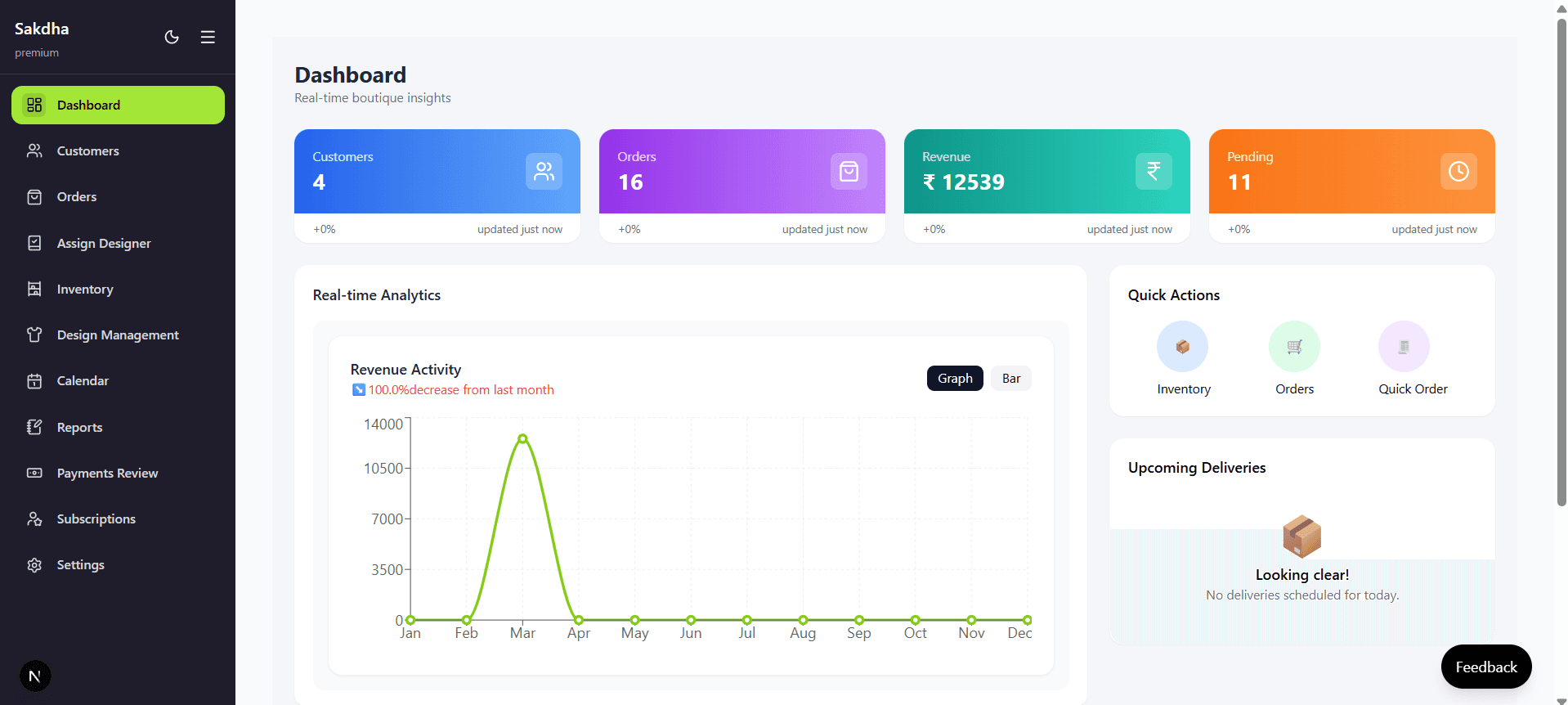
The order above maps to how customers and measurements, orders, work assignment and billing are organised. Production stages are defined by you in Settings rather than fixed, and role-based access keeps staff logins limited to what they need.
If you are still deciding, our buyer's guide for Indian boutiques covers what to compare.
Frequently asked questions
How long does migration take?
Setup is an afternoon. Entering active customers and orders is usually a day or two. Habit change is the slow part — about a month.
What if my staff cannot read English?
Check the interface with the person who will actually use it before committing. For many tailors the screen they need is small enough that icons and position carry most of the meaning, but verify rather than assume.
Can I try it without disrupting the shop?
Yes — run one week of new orders in parallel on top of the notebook. That is different from running both indefinitely; it is a bounded trial with a decision at the end.
What if it does not work out?
Export your data, keep the spreadsheet, go back to paper. This is why the export question matters before you start.
The short version: start with customers and measurements, enter only active work, define your own stages, set a cut-over date, and give staff the smallest possible screen.
🚀 Want to simplify your boutique operations?
Manage orders, measurements, billing, and customers in one place with Boutique Manager.
Start Managing Your
Boutique Like a Pro
Everything you need — orders, customers, measurements, billing — in one powerful platform.